Create a publisher
Name the application or business domain that will publish events, then work from its dedicated SignalWeaver workspace.

Create a publisher workspace, define the events your systems emit, connect subscribers, and see every publication, delivery, and audit step in one operational view.
Define event contracts, route them to subscribers, and monitor delivery without losing the audit trail.
Create a workspace for the system, product, or business domain that emits meaningful events.
Register event codes, display names, schema versions, and descriptions so events have a shared contract.
Add webhook subscribers and sync subscriptions so downstream systems receive the events they expect.
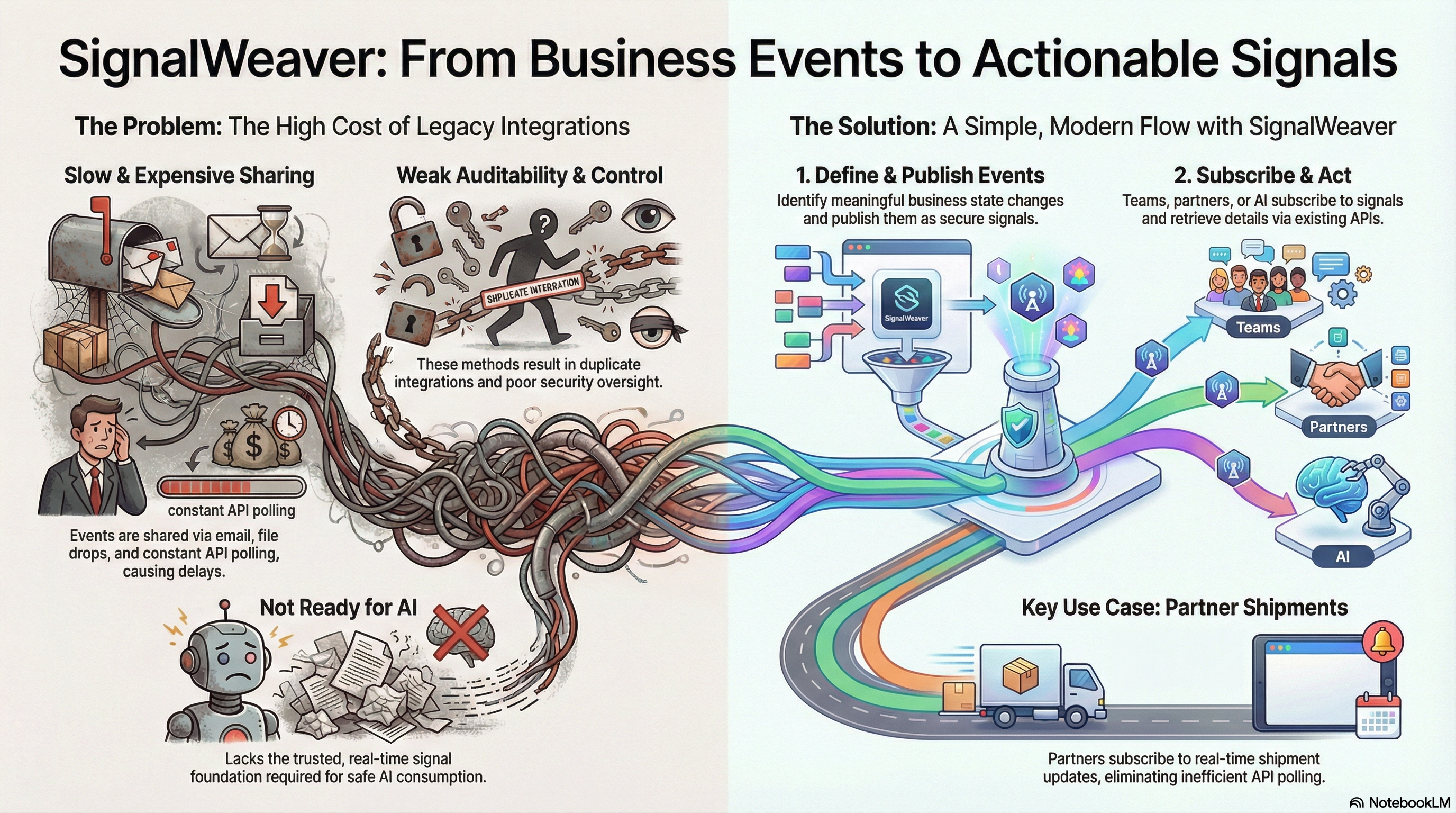
SignalWeaver is built for the operating side of event-driven work: publishing events, checking deliveries, reviewing audit entries, and seeing recent activity without digging through disconnected logs.
Payloads stay with source systems. SignalWeaver preserves the event signal, routing, delivery state, and traceable audit record.
Name the application or business domain that will publish events, then work from its dedicated SignalWeaver workspace.
Add event codes, schemas, and versions so publishers and subscribers share the same operational language.
Register webhook endpoints, sync them with Event Grid, and keep subscriber delivery state visible.
Publish now, schedule delayed events, include event data when needed, and review the delivery and audit trail from the dashboard.
Keep event names, schemas, and versions explicit instead of relying on tribal knowledge.
Know what was published, where it was sent, and whether subscribers received it.
Use event IDs, activity history, and audit entries to reconstruct what happened later.
Give each event a clear name, schema, and lifecycle so systems can emit state changes with discipline.
Route the right events to the right endpoints and keep delivery behavior visible as integrations evolve.
Review published events, delivered events, pending activity, and audit history from the same workspace.
SignalWeaver account access is handled through Microsoft Entra External ID. Start in the operational application and complete the identity workflow there.
After authentication, SignalWeaver creates or loads your application user and takes you into the publisher workspace flow.